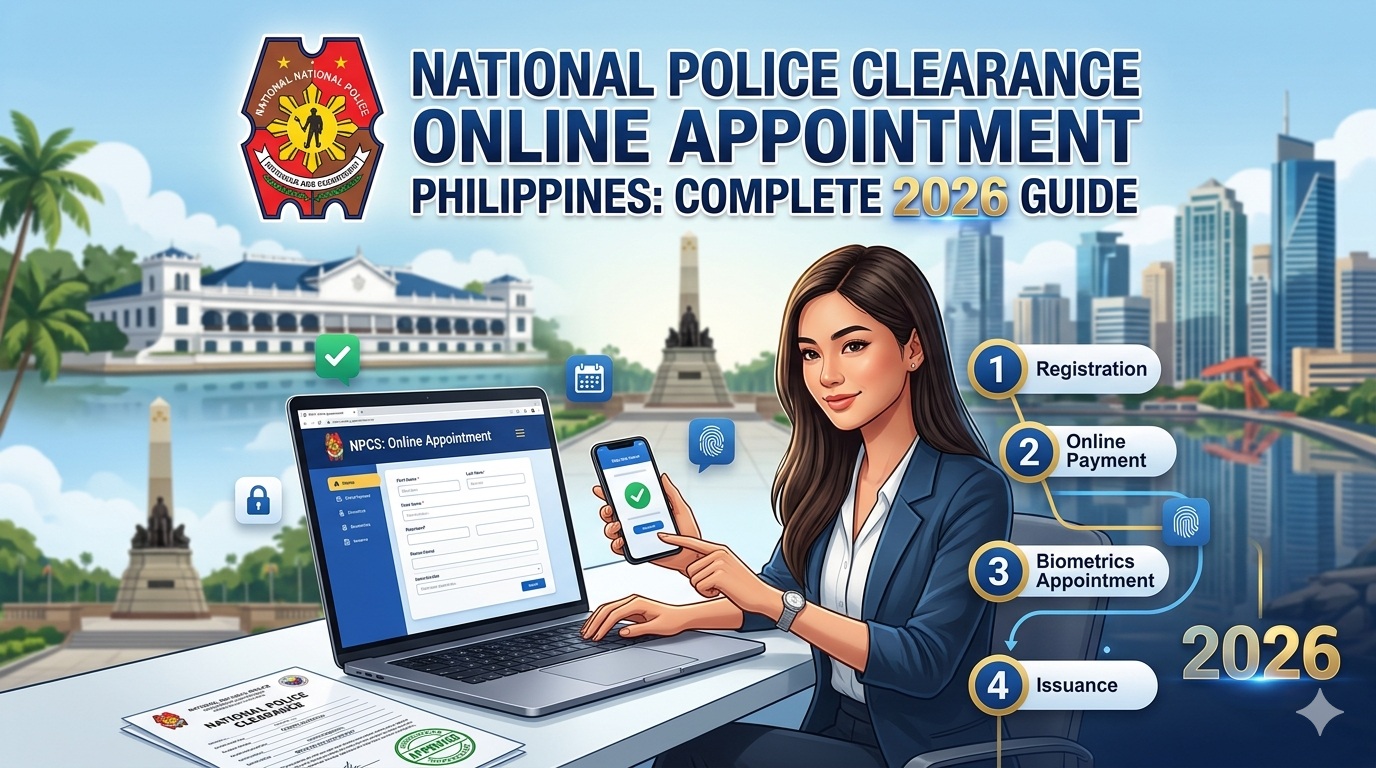
Getting a National Police Clearance is now easier than ever thanks to the Philippine National Police’s online appointment system. Whether you’re applying for a new job, securing government documents, traveling abroad, or meeting employment requirements, the National Police Clearance System (NPCS) allows Filipinos to complete most of the process online before visiting a police station.
In this comprehensive guide, you’ll learn how to book a National Police Clearance online appointment, the requirements, fees, payment methods, processing time, and common mistakes to avoid.
What Is a National Police Clearance?
A National Police Clearance is an official document issued by the Philippine National Police (PNP) certifying whether an individual has any criminal record or derogatory information in the PNP database. The clearance is recognized nationwide and is commonly required for:
- Employment applications
- Government transactions
- Business permit applications
- Visa processing
- Professional licensing
- School requirements
- Travel and immigration purposes
The PNP now uses the National Police Clearance System (NPCS), a centralized and biometric-based platform that allows applicants to register and schedule appointments online.
National Police Clearance vs Local Police Clearance
Many Filipinos confuse these two documents.
National Police Clearance
- Issued through the NPCS
- Searches records nationwide
- Accepted by most employers and government agencies
- Requires online registration and appointment
Local Police Clearance
- Issued by local police stations
- Limited to local jurisdiction records
- Often required for local permits and community transactions
For employment and government requirements, the National Police Clearance is generally preferred.
Why You Need an Online Appointment
The PNP has largely transitioned to an appointment-based system. Applicants are required to register online and select an appointment schedule before visiting a police station. Walk-in applicants may not be accommodated in many locations.
Benefits of online appointments include:
- Shorter waiting times
- Faster processing
- Secure payment channels
- Reduced overcrowding
- Easier appointment management
National Police Clearance Requirements
Before scheduling your appointment, prepare the following:
Valid Government-Issued ID
Bring at least one original valid ID such as:
- Philippine National ID
- Passport
- Driver’s License
- UMID
- PRC ID
- Voter’s ID
- Postal ID
- Senior Citizen ID
- PhilHealth ID
The ID must contain your complete name, photograph, and signature.
Active Email Address
You’ll need an email address to create an NPCS account and receive verification notices.
Mobile Number
Your mobile number will be used for notifications and account verification.
How to Book a National Police Clearance Online Appointment
Step 1: Register an NPCS Account
Visit the official National Police Clearance System:
National Police Clearance System (NPCS)
Create an account by providing:
- Full name
- Gender
- Birth date
- Address
- Email address
- Mobile number
- Password
Verify your account through the email sent by the system.
Step 2: Complete Your Profile
After logging in:
- Fill in personal details
- Enter your address
- Upload any required information
- Review everything carefully
Incorrect information may delay your application.
Step 3: Schedule an Appointment
Navigate to the Clearance Application section.
Choose:
- Preferred police station
- Available appointment date
- Preferred time slot
Select the most convenient schedule and confirm your appointment.
Step 4: Pay the Clearance Fee
After selecting your appointment schedule, the system will generate a reference number.
Available payment methods typically include:
- GCash
- Maya
- Landbank
- Bayad Center
- 7-Eleven
- Online banking
- ECPay partners
Keep a screenshot or copy of your payment receipt and reference number.
Step 5: Visit the Police Station
On your appointment date:
Bring:
- Valid ID
- Reference number
- Proof of payment
At the station, personnel will conduct:
- Identity verification
- Fingerprint capture
- Digital photograph
- Electronic signature collection
Biometric verification is mandatory even though registration is done online.
Step 6: Release of Clearance
If no record or “HIT” appears in the database, your clearance may be released on the same day.
Applicants with a “HIT” status may undergo additional verification, which could extend processing time.
How Much Is the National Police Clearance Fee?
As of 2026, the standard fee is:
| Item | Amount |
| Police Clearance Fee | ₱150 |
| System Fee | ₱10 |
| Total | ₱160 |
Additional convenience fees may apply depending on the payment channel used.
How Long Does Processing Take?
Most applicants can complete the process within a day.
Typical timeline:
- Online registration: 10–15 minutes
- Payment confirmation: Minutes to a few hours
- Biometrics capture: 15–30 minutes
- Clearance release: Same day for applicants without a HIT
Applicants with verification issues may experience longer processing times.
What Is a HIT Status?
A HIT occurs when your name matches or closely resembles an individual with a criminal record or pending case in the database.
A HIT does not automatically mean you have a criminal record.
The PNP simply conducts additional verification to confirm your identity before releasing the clearance.
Common Reasons for Application Delays
Avoid these mistakes:
Incorrect Personal Information
Ensure all information matches your government-issued ID.
Missing Appointment
Failure to appear may result in forfeiture of your appointment and payment.
Invalid ID
Expired or damaged IDs may not be accepted.
Unpaid Application
Appointments are not finalized until payment is completed.
Can OFWs Apply for Police Clearance?
The National Police Clearance requires biometric capture at a police station in the Philippines.
For Filipinos abroad, obtaining an NBI Clearance may be a more suitable option depending on the purpose of the document.
Helpful Related Guides
If you’re processing employment or government requirements, you may also find these guides useful:
- PNP Clearance Online Registration Process
- How to Recover Your NPCS Account and Password
- National Police Clearance Appointment Guide
Tips for a Smooth Police Clearance Appointment
- Register several days before your preferred appointment date.
- Double-check all profile information.
- Save your reference number.
- Arrive at least 15 minutes early.
- Wear appropriate attire for your photo capture.
- Bring original IDs instead of photocopies.
- Keep payment receipts until your clearance is released.
Frequently Asked Questions
Is walk-in application still allowed?
Many police stations now require an online appointment through the NPCS before processing applications.
How long is a National Police Clearance valid?
The validity period depends on the institution requesting it. Many employers and agencies typically require a recently issued clearance.
Can I reschedule my appointment?
Availability depends on the NPCS portal and your selected police station. Log in to your account to check available options.
Can I use GCash to pay for Police Clearance?
Yes. GCash remains one of the most popular payment methods available for NPCS transactions.
What if I forgot my NPCS password?
You can reset it through the NPCS password recovery page.
Final Thoughts
The National Police Clearance Online Appointment System has significantly improved how Filipinos obtain police clearances. Instead of spending hours waiting in line, applicants can now register online, choose their preferred appointment schedule, pay digitally, and complete biometrics in a streamlined process.
By preparing the correct requirements, arriving on time, and following the official NPCS procedures, you can secure your National Police Clearance quickly and without unnecessary delays.
Related Articles:
– Complete Guide to PNP Clearance: Online Application, Requirements, FAQs, and More
– Philippines eTravel Pass & Registration Guide
– How to Register in LTMS Portal Online
– Comprehensive Guide to LTO Motorcycle Registration Renewal
– Combating Cyberbullying in the Philippines